Classic games
working the way they should
GameRemix fixes known bugs and switches on improvements for classic games on modern Windows. One file, nothing to install, your original game files are backed up and restored with one button.
What it does
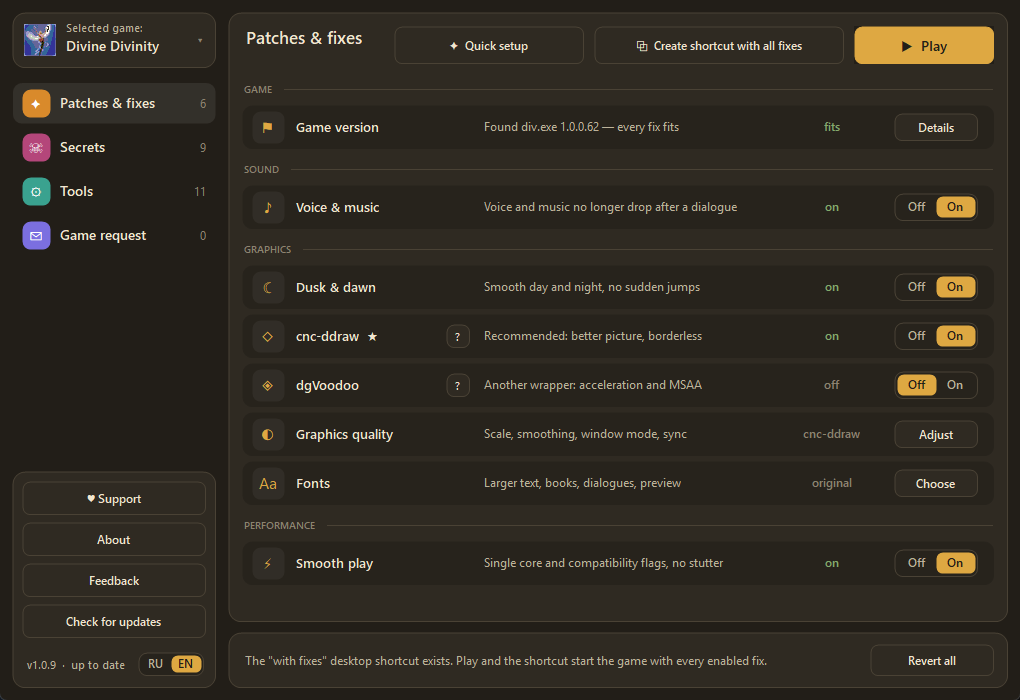
Everything is a separate switch, and each row in the app says exactly what it changes.
Voice & music
Voice and music no longer drop after a dialogue.
Dusk & dawn
Smooth day and night, no sudden jumps.
Modern graphics
dgVoodoo and scaling for Windows 10 and 11.
Larger fonts
Readable text in dialogues, books and items, with a preview.
Smooth play
Single core and compatibility flags: no stutter.
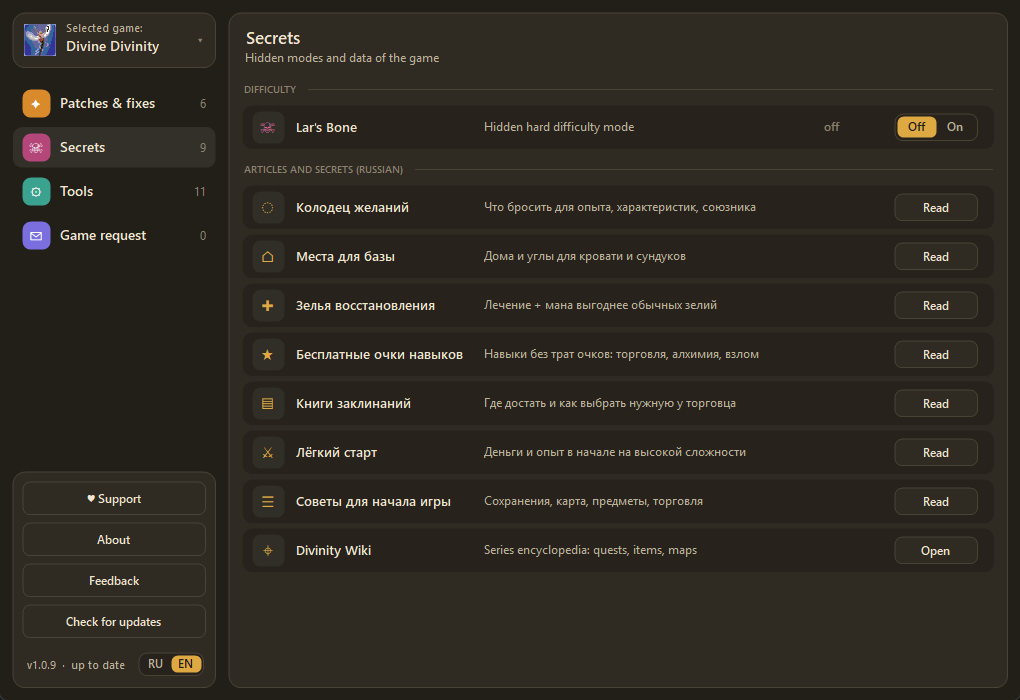
Secrets & articles
Hidden game modes and tidy tips (Russian text for now).
cnc-ddraw
Borderless window, soft scaling and a better picture; works instead of dgVoodoo — one of the two at a time.
Quick setup
Pick your monitor (HD, 2K, 4K) — the app sets up the game, graphics, fonts and fixes by itself.
What it looks like
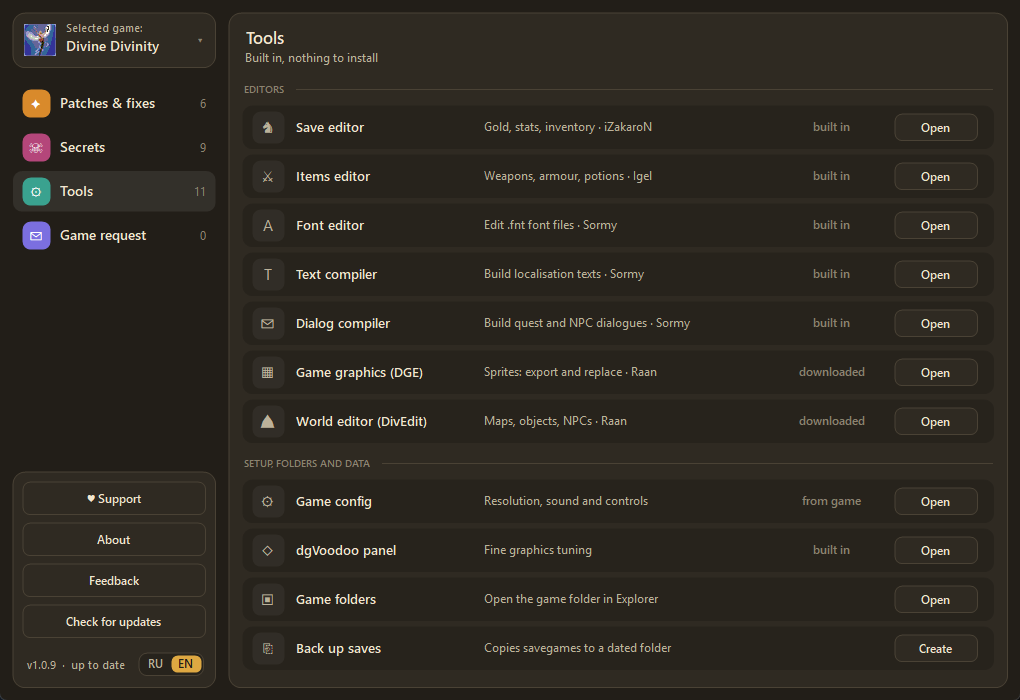
A dark interface, one line per feature, clear descriptions.
Supported games
The game is already in the database. If yours is missing, send a request from inside the app.

Divine Divinity Ready
Version 1.0.0.62 · Steam and GOG
Voice, dusk and dawn, dgVoodoo, fonts, Lar’s Bone, articles.
Next games Queued
Chosen together with you: use “Game request” in the app.
Safe by design
The file carries the publisher’s digital signature, verifiable with standard Windows tools.
A backup is made before any change, and “Revert all” brings the game back as it was.
Settings and backups live in the user profile; nothing appears next to the exe or in the system.
If the game version does not fit, nothing gets broken and the app explains what to do.
FAQ
Do I need to install anything?
No. Run GameRemix.exe: no installer. It needs the .NET Framework 3.5 or newer, which Windows 7 and newer already include (Windows 10/11 may offer to turn on .NET 3.5). On Windows 7 update checks and downloads also need .NET 4.5+ and update KB3140245.
Are my saves safe?
Saves are not changed on their own. Only two features you turn on yourself touch them: the save editor (makes a .bak copy before writing) and the floor fix on the Graphics page (patches a few bytes in a save). Back the saves up first with the button in Tools.
My antivirus complains
The file is signed. If your protection is still unsure, compare the SHA-256 below with the one on this page.
How does it update?
The app checks for a new version itself: when there is one, the “Update” button becomes “Update to X” - click it and the app replaces itself (the signature and checksum are verified).